

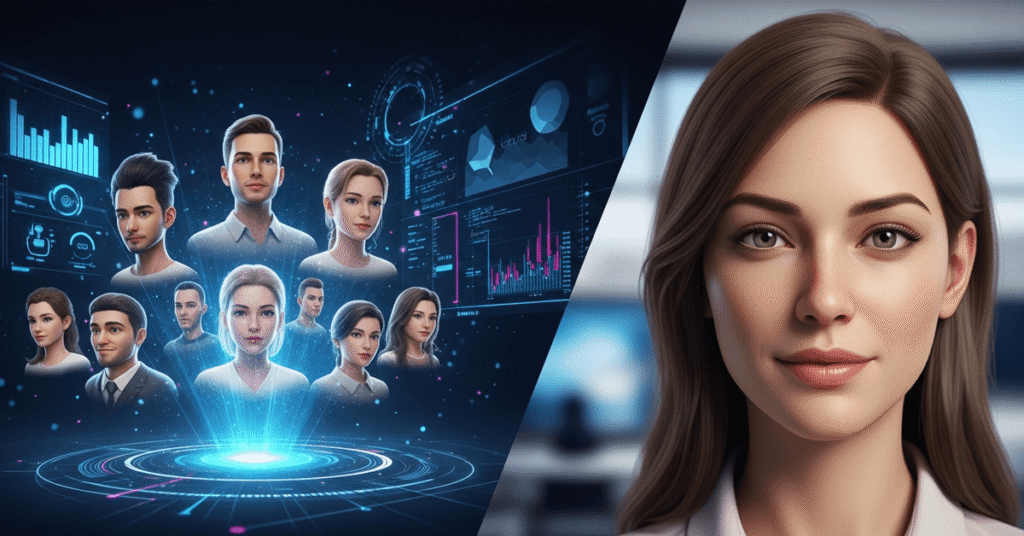
In the fast-moving world of digital content, creating realistic avatars that can speak, move, and present your message is no longer futuristic—it’s within reach. With an AI avatar video generator, marketers, educators and creators can generate digital characters that look professional and engaging, in minutes rather than days. And if you’re looking for a free AI video app to get started, you’ll find that several platforms now offer solid free tiers. In this article we’ll explore why avatar video generation matters, what to look for, and then list the top 7 tools you should consider—starting with InVideo.
Why Use an AI Avatar Video Generator?
- Speed & Efficiency
Traditional video shoots involve talent, lighting, audio, editing—and each takes time and cost. With an AI avatar video generator, you can skip or drastically reduce those steps. Upload a brief clip, or choose a virtual actor, input your script, and within minutes generate a talking avatar video.
- Cost-Effective Production
For small teams, startups, or solo creators, hiring on-camera talent or studios isn’t always viable. AI avatar tools reduce overhead—no need for make-up, location, and multiple takes. You can reuse the avatar, change the script, and iterate quickly.
- Consistent Branding & Reach
Want the same “face” presenting your brand across all videos? Want multi-language versions without re-shoots? Avatars make it easier. You maintain consistent branding, tone, and style.
- Engagement & Flexibility
An avatar can deliver your message in a personable manner, which can boost engagement. You can also switch avatars, backgrounds, and voices to suit different audiences.
- Scale & Variants
Since you can generate quickly, you can create many video variants (different scripts, languages, CTAs) and test which performs best. That volume of output was once costly and slow—now it’s feasible.
What to Look For in an Avatar Video Generator
When evaluating tools, keep in mind these criteria:
- Avatar realism & lip-sync quality: Does the avatar look natural? Do its lips and expressions match the voice?
- Customization: Can you upload your own likeness? Choose from a library of actors? Change clothing, background, voice?
- Script and workflow ease: Is it easy to drop in a script, select a style, and generate?
- Language support & voices: Need multi-language? Different voice accents?
- Export & format options: Can you export high resolution? Different aspect ratios for social, web, and training?
- Free tier/trial: A free plan or free app helps test the system before committing.
- Brand & usage rights: Are you allowed commercial use? Are avatars licensed?
- Support and updates: Frequent updates mean better output and features.
The Top 7 AI Avatar Video Generators
Here are the best tools available now. Each is described with the name, what it is, what it offers, and why it stands out. We start with invideo.
1. Invideo
What it is:
Invideo is a full-featured video creation platform with a dedicated module for avatars and AI-powered video generation. It is designed as an ai avatar video generator for studio-quality output.
What it offers:
- Create avatars: upload your likeness or choose from a marketplace of actors; clone your voice or pick voice-overs.
- Works as a free AI video app: Invideo offers a free plan (though with limitations) so you can test avatar-based video creation.
- Extensive AI script generation, multilingual voice support, generative media, product clones, and more.
Why it stands out:
Invideo makes avatar video generation accessible for creators and brands alike. Because it includes both the avatar-engine and full video editing/workflow, you don’t have to patch together multiple tools. Its free tier allows you to test without an upfront cost, then scale as you see results. For anyone looking to rapidly produce avatar-led videos (training, e-commerce, social content), invideo is a compelling first choice.
2. HeyGen
What it is:
HeyGen is a tool focused on avatar creation and video generation, often used for marketing content and localization.
What it offers:
- Create talking avatars from photos or videos.
- High volume social content support, multilingual output.
Why it stands out:
If you plan to produce many videos across languages or want a quick avatar builder, HeyGen is strong.
3. Synthesia
What it is:
Synthesia is enterprise-grade avatar video generation software, used for training, corporate communication and marketing.
What it offers:
- Large avatar library, multiple languages, professional output.
Why it stands out:
Best when you want high-quality avatars with corporate polish, multi-angle and multi-language support.
4. Elai
What it is:
Elai is a platform for generating video content with avatars, often used in e-learning and onboarding.
What it offers:
- Script → avatar video workflow, strong for training modules.
Why it stands out:
If your primary need is educational or internal communication videos, Elai hits the sweet spot.
5. Deepbrain AI
What it is:
Deepbrain AI focuses on converting existing content (PPT, PDF) into avatar video format.
What it offers:
- Upload your presentation, and generate avatar-led video content.
Why it stands out:
Great for converting large existing content libraries into avatar-led video without full re-shoot.
6. VEED
What it is:
VEED is a simpler video editor with avatar and AI features, aimed at social creators.
What it offers:
- Drag-and-drop editing, auto captions, basic avatar support.
Why it stands out:
For smaller creators or social content with less budget and complexity, VEED is accessible and quick.
7. Creatify
What it is:
Creatify is a platform with avatar capability focused on e-commerce video ads.
What it offers:
- UGC-style avatars, product-centric video and localization.
Why it stands out:
If you’re running ad campaigns and want avatar video specifically for product promos, this tool is optimized for that.
How to Choose & Use Your Avatar Video Tool
Begin with a test: Use the free tier of a tool like invideo. Upload a short script, create an avatar and output a 30-60 second video. See how it looks, how easy the tool is to use, how good the lip-sync and voice feel.
- Focus on your use-case:
- Marketing/ads → pick tools that support product visuals, avatar presenters and variants (e.g., Invideo, Creatify).
- Training/education → choose tools that support presentation formats, uploads and avatars (e.g., Elai, Deepbrain).
- Social creators → speed, mobile-friendly, quick editing matter (e.g., VEED, HeyGen).
- Consider scale and languages: If you need dozens of videos across languages, pick a tool with robust avatar and voice support.
- Look at output and brand fit: Avatars vary in realism. Some are more stylised, some more TV-like. Check how the avatar looks in your brand context (lighting, background, voice).
- Budget & pricing: Many tools offer free or low-cost tiers. Start small, test, then scale.
- Workflow integration: How easily does the tool fit into your existing workflow? Export formats, collaboration, templates, brand kits—these matter.
Tips to Make Avatar Videos That Perform
- Keep scripts conversational: Even though the presenter is virtual, the delivery should feel natural. Short sentences, avoid jargon.
- Use strong visuals/backgrounds: A clean background helps the avatar stand out and feels professional.
- Give the avatar gestures or movement: Subtle motion improves realism and engagement.
- Add captions: Many viewers watch without audio—ensure the message is clear even muted.
- Test voice and accent options: If you serve global audiences, ensure clarity and relevance.
- Brand clearly: Use your logo, brand colours, consistent style so viewers recognise you.
- Experiment with variants: Try different avatars, scripts or voices. Use multiple versions to test what resonates.
- Ensure usage rights: For commercial use, check licensing of avatars and voices.
- Use for multiple platforms: Match aspect ratio (16:9, 9:16, 1:1) depending on where you publish (YouTube, Instagram, TikTok).
- Monitor analytics: Look at engagement, drop-off, conversions—adjust based on performance.
Conclusion
Creating realistic digital characters has moved from niche to mainstream. With an AI avatar video generator, you can now produce professional-quality avatar-led videos—even on a modest budget and short timeline. If you’re looking for a place to start, invideo offers a strong combination of avatar features plus full video editing and a free tier to experiment.
While each of the seven tools above has its own strengths and ideal use-cases, the key is to pick the one aligned with your goals—and then begin creating. Whether you’re launching an online course, creating ads, training staff, or building social media content, avatars open up a new dimension of creative and scalable video production.
Start small, iterate fast, and let your digital character become a consistent, engaging voice for your brand.
